Your first question
Four fields and about a minute.
Settings, Devices and services, Jev, then Add question.
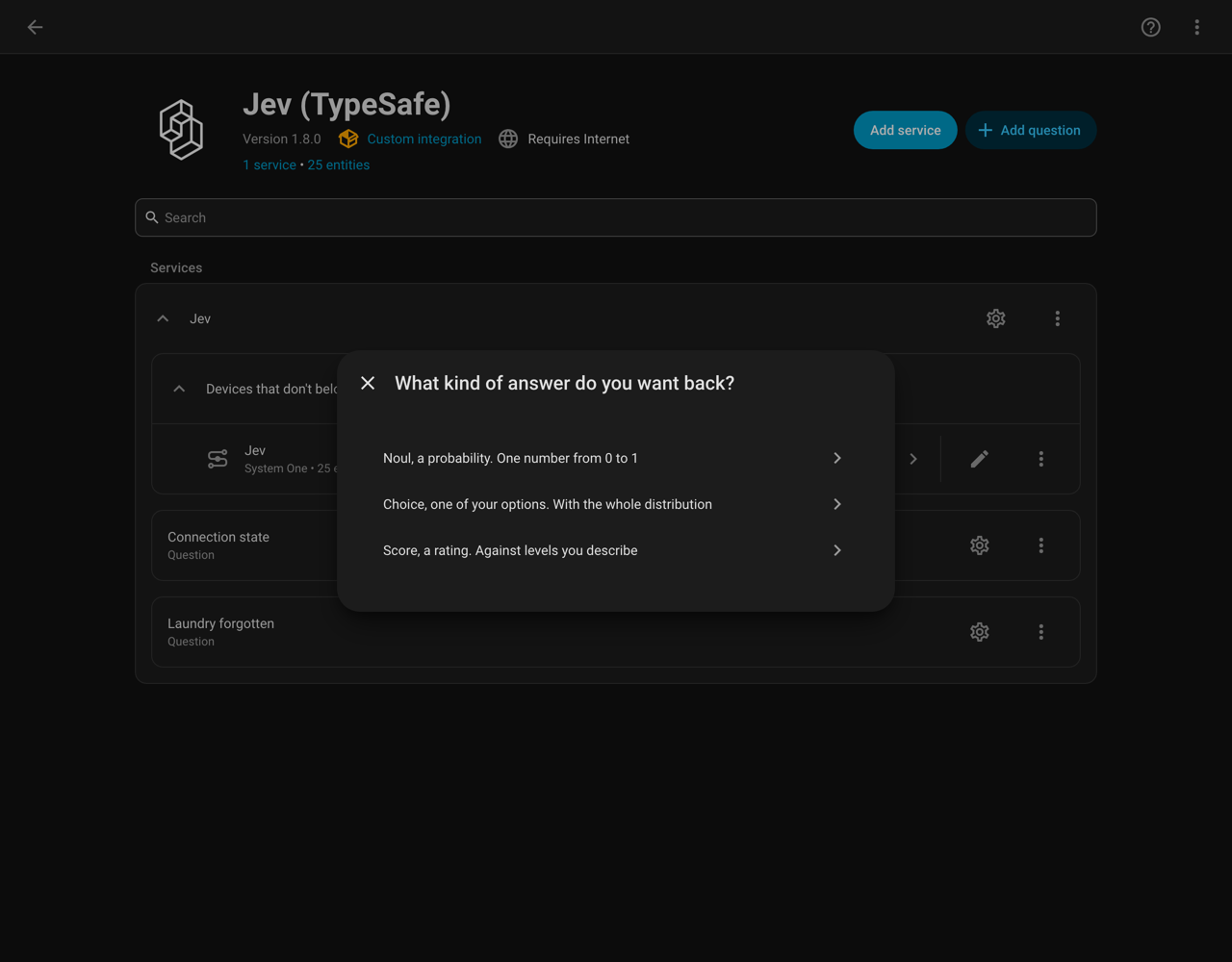
Pick Noul for a yes or no question. Then fill in four things:
| Field | Example |
|---|---|
| Name | Laundry forgotten |
| The question | Is the laundry finished but still sitting in the machine? |
| What to look at | your washing machine power sensor and the door sensor |
| Standing facts | This machine draws under 5 W when idle and over 300 W while a programme runs. |
That last field is the one that does the work, and the one people skip. See writing a question that works.
Check before you save
Before it saves, the form shows you the state it will send and what that answers right now:
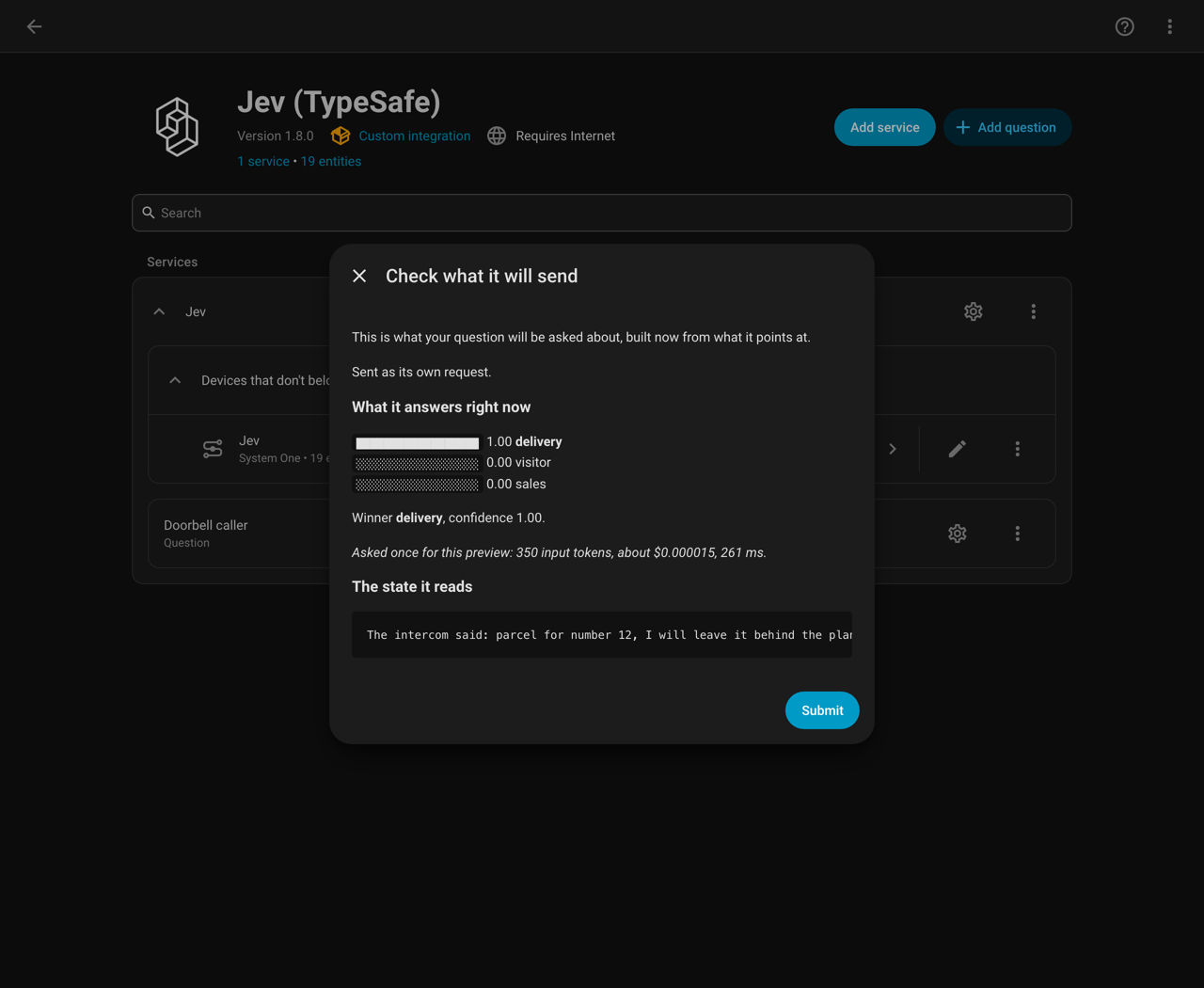
This is worth the click. A question that reads a perfect state and still answers 0.5 is the common disappointment, and this is where you find that out rather than after the sensor exists.
The trial costs one request. The footer says how much: in that screenshot, 350 input tokens and $0.000015.
What you get
sensor.jev_laundry_forgotten holding a number from 0 to 1.
Add a threshold and you also get binary_sensor.jev_laundry_forgotten, which
flips on when the probability crosses it. That is what an automation triggers on:
automation:
  - alias: Remind about the washing
    triggers:
      - trigger: state
        entity_id: binary_sensor.jev_laundry_forgotten
        to: "on"
        for: "00:10:00"
    actions:
      - action: notify.mobile_app
        data:
          message: The washing is done and still in the machine.
Clear the threshold and Jev removes the binary sensor. Delete the question and Jev removes its sensors.
The for: "00:10:00" matters. Without it you get a notification the moment the
probability crosses, which on a borderline reading can flap.
Next
- The three answers, if you want something other than yes or no
- Questions in the UI for every field on that form
- Actions to ask inside an automation rather than on a schedule